
14 Guaranteed Solutions to Fix TeraBox Login Problems
14 Guaranteed Solutions to Fix TeraBox Login Problems

If you’re facing TeraBox login problems, you’re not alone. Many users suddenly find that TeraBox won’t log in, shows authentication errors, or keeps redirecting to the login screen.
The good news: almost all TeraBox login issues come from a small set of causes network errors, app corruption, account conflicts, or server problems and each has a reliable fix.
This guide explains exactly why TeraBox login fails and provides 14 tested solutions to restore access quickly.
TeraBox Login Problems and Solutions
TeraBox login problems usually occur when the app fails to authenticate, shows errors, or loops back to the sign-in screen due to unstable internet, corrupted cache, outdated software, or authentication conflicts. These issues rarely mean account loss, and once the root cause is fixed, access is typically restored within minutes without affecting stored files.
Poor Internet Connection
A weak or unstable internet connection is a major cause of TeraBox login failure because the app needs continuous server communication for authentication. Switching networks, restarting the router, or reconnecting usually restores stable access and fixes login issues


Insufficient Storage Space
TeraBox needs available device storage to create temporary login session files. If storage is nearly full, the app cannot generate this data, causing login failures or authentication errors.
A Device with Outdated Software
Outdated Android or iOS versions can prevent TeraBox from creating secure login sessions.This lack of compatibility may cause authentication failures or app crashes during login.Updating the device software and restarting usually restores access.


Clear Cache or Other Data
Corrupted cache and app data are common causes of TeraBox login problems.Damaged session tokens and temporary files can stop the app from validating credentials.Clearing cache and data rebuilds fresh sessions and usually fixes login errors without affecting cloud files.
Conflicting Software
Corrupted cache and app data often cause TeraBox login problems because damaged session files stop the app from verifying credentials. Over time, stored tokens become inconsistent, leading to login failures or loops. Clearing cache and data rebuilds fresh sessions and usually restores access without affecting cloud files.

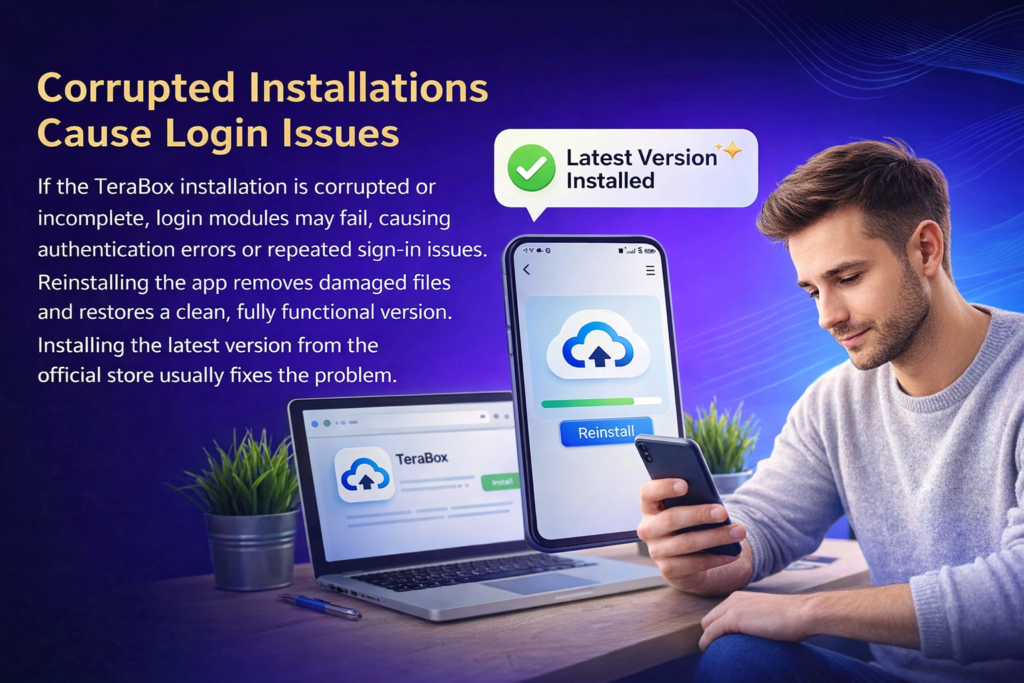
Reinstall App
If the TeraBox installation is corrupted or incomplete, login modules may fail, causing authentication errors or repeated sign-in issues. Reinstalling the app removes damaged files and restores a clean, fully functional version. Installing the latest version from the official store usually fixes the problem.
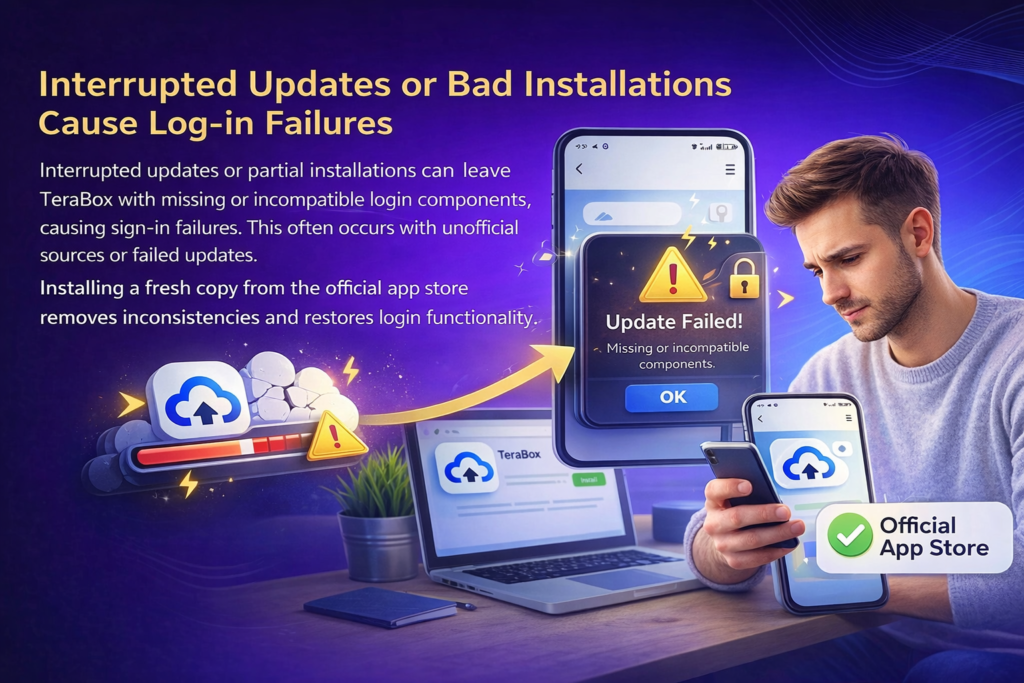
Installation Errors
Interrupted updates or partial installations can leave TeraBox with missing or incompatible login components, causing sign-in failures. This often occurs with unofficial sources or failed updates. Installing a fresh copy from the official app store removes inconsistencies and restores login functionality.

VPN Connection Can Solve TeraBox Login Problems
In some regions, ISP restrictions can block TeraBox authentication servers. A VPN may bypass these blocks by routing traffic through another region, but unstable VPN servers can also cause login failures. Switching VPN locations or disabling it helps identify and fix the issue.
Server-Side Issues
Sometimes TeraBox login problems are caused by temporary server outages or maintenance, not user devices. During these periods, authentication may fail for many users at once. The only fix is to wait until the service is restored.

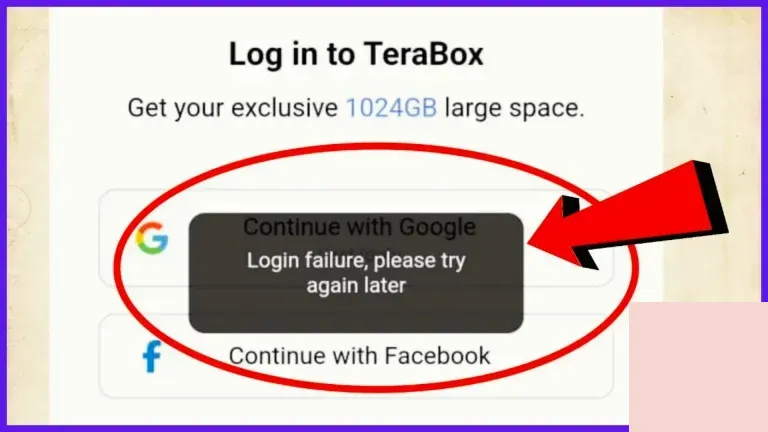
Login Authentication Issues
Authentication errors happen when sessions expire or tokens become invalid, causing repeated login prompts or sudden sign-outs. Logging out fully, force-stopping the app, and signing in again resets sessions and restores verification.
TeraBox Login Problems with Google Accounts
Many users sign in to TeraBox with Google, but sync conflicts or corrupted Google tokens can block verification. Removing the Google account, restarting the device, and adding it again refreshes credentials and usually fixes login issues.
Permission-Related Problems
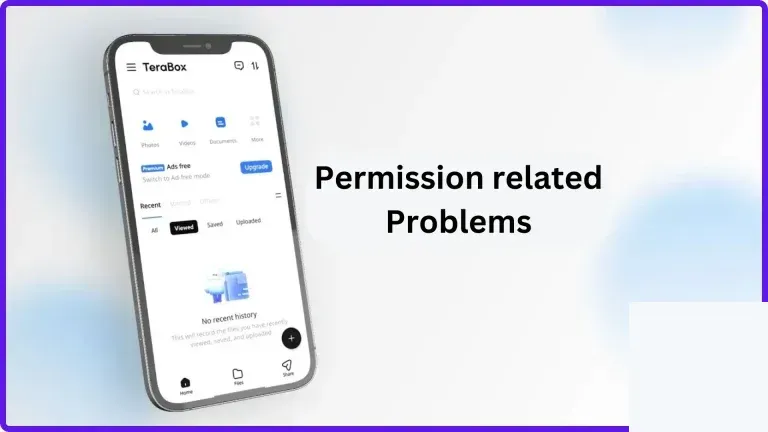
TeraBox needs storage, network, and background permissions to create login sessions. If these are denied, authentication may fail silently. Granting all required permissions in app settings usually restores login access.
Corrupted Files During Transfers
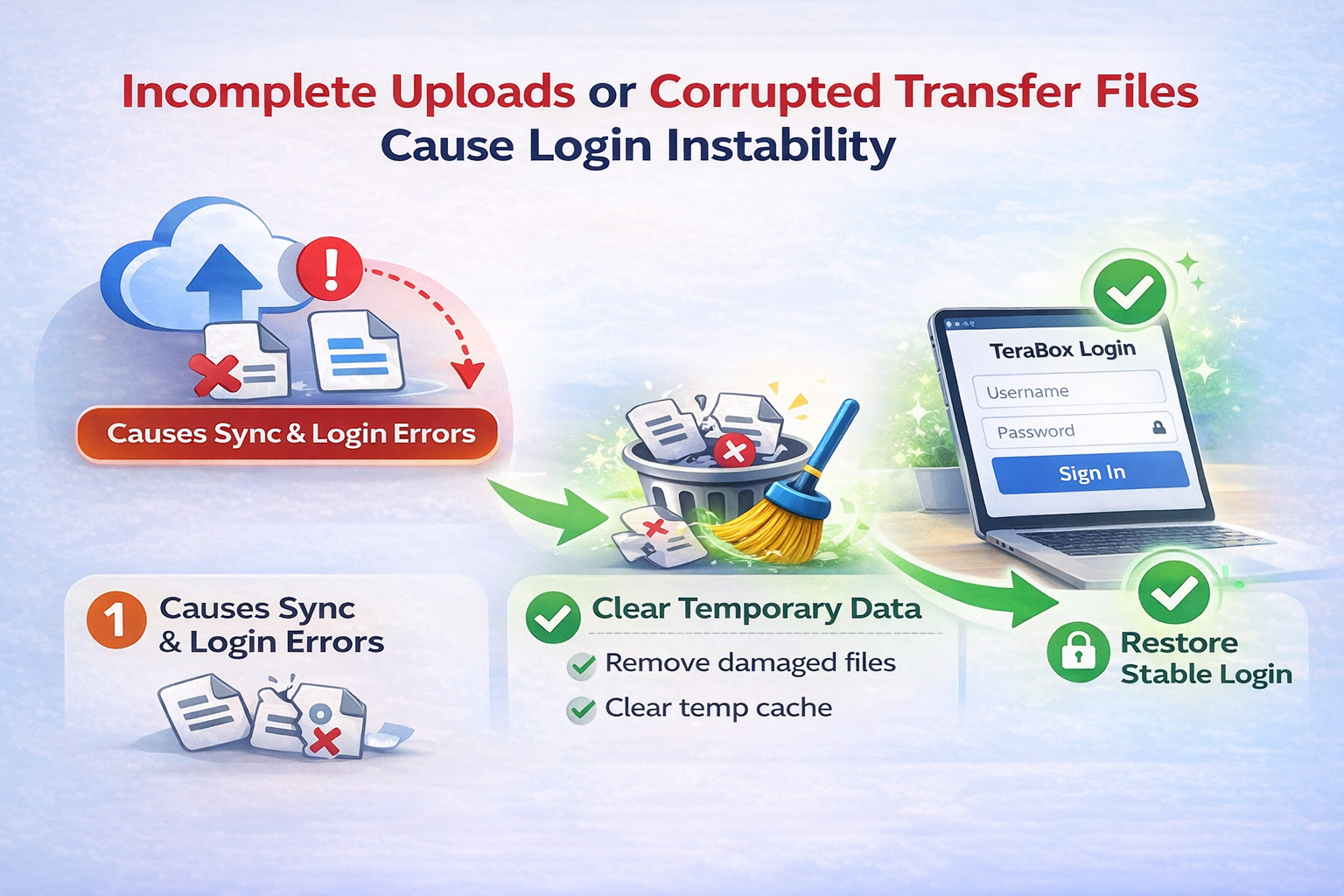
Incomplete uploads or corrupted transfer files in TeraBox can disrupt session validation and cause login instability. Removing damaged or unfinished files and clearing temporary transfer data resets sync and often fixes the issue.

Resolving Further Download Issues
Active or stalled downloads sometimes disrupt TeraBox session management, especially when the app attempts to resume transfers during authentication. This can lead to login loops or failure to reach the main interface. Pausing or clearing pending downloads, restarting the app, and signing in again allows a clean session to establish without transfer conflicts.
Conclusion
TeraBox login problems are typically caused by technical factors such as unstable connectivity, corrupted cache, outdated software, authentication conflicts, or temporary server issues rather than account loss. By addressing these causes through storage cleanup, cache clearing, app updates or reinstallations, permission corrections, and network adjustments, users can restore access quickly and safely. In nearly all cases, files remain secure in cloud storage, and proper troubleshooting resolves login failures without data loss.