
Tera Box vs Google Drive – Which Is Better in 2026
TeraBox vs Google Drive is one of the most searched cloud storage comparisons in 2026. Many Americans are confused about which platform offers better storage, security, and value. If you are choosing between TeraBox and Google Drive, this detailed guide will help you make a smart decision.
Cloud storage is no longer optional. It is essential for students, professionals, and businesses across the United States. From saving large videos to managing contracts and team projects, people rely on secure and reliable platforms every day. In this in-depth comparison, we will break down pricing, performance, collaboration tools, and security features so you can confidently choose the best cloud storage service for your needs.
What Is Cloud Storage and Why Does It Matter in 2026?
Cloud storage means saving files on remote servers instead of your device. These servers operate through advanced cloud infrastructure powered by distributed servers. This setup ensures data redundancy, stable performance, and safe access from anywhere. In 2026, people expect remote file access, fast syncing, and strong cloud storage security. Businesses also demand better data protection standards and stronger storage encryption.
Today’s users compare services because of rising storage needs. Videos are larger. Work files are complex. People want secure cloud backup, reliable online file storage, and enough space without hitting a cloud storage limit. The debate around TeraBox vs Google Drive grows stronger as Americans search for better free cloud storage 2026 options that match their lifestyle.
What Is TeraBox? (Complete Overview)
TeraBox is a cloud-based storage app offering massive 1TB free storage. That number grabs attention immediately. It works as a file hosting service that stores your content on remote systems. Many users treat it as a large file storage solution for videos and media collections. Its free plan operates with ads, which makes it a type of cloud storage with ads model.
The system supports automatic backup, simple uploads, and a mobile cloud app for daily use. However, users must understand the file retention policy and possible inactivity rules. TeraBox focuses more on storage volume than advanced productivity. It works well as a data storage solution for personal archives rather than corporate teamwork.
TeraBox vs Google Drive – Quick Comparison Table
| PROPERTY | GOOGLE DRIVE | TERABOX |
| Advertisement | Advertisements do not appear while using the application. | Advertisements pop up in the free plan. |
| Storage | It offers 15 GB of storage to store your documents. | It offers 1TB of free storage to store your data. |
| Sharing | Allows link sharing with permission settings like access grant, i.e., editor, viewer, or restricted. | Just allows link sharing so that others can only view your files. |
| File deletion policy | Google Drive does not delete files on its own unless you delete them manually. | Terabox deletes the files after 180 days in case of your inactivity. |
| Suitable for | Best for students and team projects as they can collaborate and edit their documents. | Only suitable for free storage of videos or other data. |
| Recovery option | It has advanced data recovery options. | Files that are deleted remain in the Recycle bin for a short period and are then deleted automatically. |
| Collaboration tools | Has teamwork tools that allow collaboration using Google Sheets and Docs. | Does not contain teamwork tools. |
Storage Capacity and File Size Limits
When comparing storage, 1TB looks impressive. However, users must also consider the file upload size limit and long-term reliability. Google Drive’s 15GB free storage feels smaller, yet paid plans expand easily. TeraBox offers generous space, but uploads may face performance limits depending on bandwidth usage.
Long-term reliability matters more than raw space. Google uses advanced storage allocation and enterprise-level cloud infrastructure. It ensures consistent uptime. TeraBox works well for bulk media but may not match Google’s proven track record in enterprise storage.
TeraBox vs Google Drive – Pricing Plans: Which Offers Better Value in 2026?
Google Drive uses a subscription-based SaaS (Software as a Service) model. Users can upgrade beyond free vs premium storage limits. Pricing tiers scale for families, freelancers, and businesses. This flexibility supports growth without sudden restrictions.
TeraBox also offers premium upgrades that remove ads and increase speed. However, users must evaluate value beyond price. Google provides integrated cloud productivity tools and strong cross-platform compatibility. For long-term work use, many Americans consider Google Drive more stable.
In the debate of TeraBox vs Google Drive, pricing differences become clearer when you compare long-term subscription value and storage benefits.
Security and Privacy – Is TeraBox Safe Compared to Google Drive?
Security is the most searched concern in TeraBox vs Google Drive comparisons. Google Drive uses advanced end-to-end encryption, strict data privacy policy, and multi-layer account security features. It supports two-step verification and strong user authentication protocols.
TeraBox also offers file encryption technology and secure file sharing, but transparency around global compliance differs. For users storing legal or business files, cloud storage security matters deeply. Google’s long-standing commitment to global data protection standards builds stronger trust in the United States marketWhen comparing TeraBox vs Google Drive, security remains one of the most important factors for U.S. users storing sensitive business and personal data.
Performance and Speed Comparison
Performance depends on internet speed and system design. Google’s global distributed servers optimize data synchronization and stable uploads. Large files upload smoothly, and downloads remain consistent.
TeraBox handles bulk uploads effectively for personal storage. However, speed may vary under heavy usage. For businesses managing contracts and shared spreadsheets daily, Google’s advanced data synchronization system ensures smooth collaboration without interruption.
Ads and User Experience
Google Drive delivers a clean interface with no interruptions. It remains an ad-free cloud storage platform. This improves workflow and keeps focus on tasks.
TeraBox includes ads in the free version. Some users accept this tradeoff for free online backup space. However, ads can disrupt workflow when managing critical documents. User experience often influences long-term loyalty.
File Sharing and Collaboration Features
Google Drive dominates in collaboration. With online document storage, teams can edit in real time using Google Docs and Sheets. Features like version history and permission-based file sharing protect content integrity.
TeraBox offers basic link sharing. It works as a simple cloud file sharing platform. However, it lacks the advanced digital asset management capabilities needed by enterprises. For structured teamwork, Google Drive stands ahead
Backup and Sync Capabilities
Both platforms offer automatic backup through a desktop cloud client and mobile cloud app. Google Drive adds advanced sync controls and offline file access for productivity without the internet.
Recovery also differs. Google provides a longer recycle bin recovery period and flexible file recovery option. TeraBox allows recovery for a limited time only. Backup reliability often decides long-term satisfaction.
Pros and Cons of TeraBox and Google Drive
| PROPERTY | GOOGLE DRIVE | TERABOX |
| Data Protection | It offers basic data protection and utilizes standard encryption. | It has standard encryption for data along with data privacy compliance. |
| User Interface | It has an intuitive, clean interface. | It has a user-friendly interface. |
| Platform Compatibility | Compatible with all platforms like iOS, web, Android, and desktop. | Compatible with iOS, web, and Android. |
| Search Filters | Advanced filters can be applied for searching. | Basic filters are available for searching. |
Who Should Choose TeraBox?
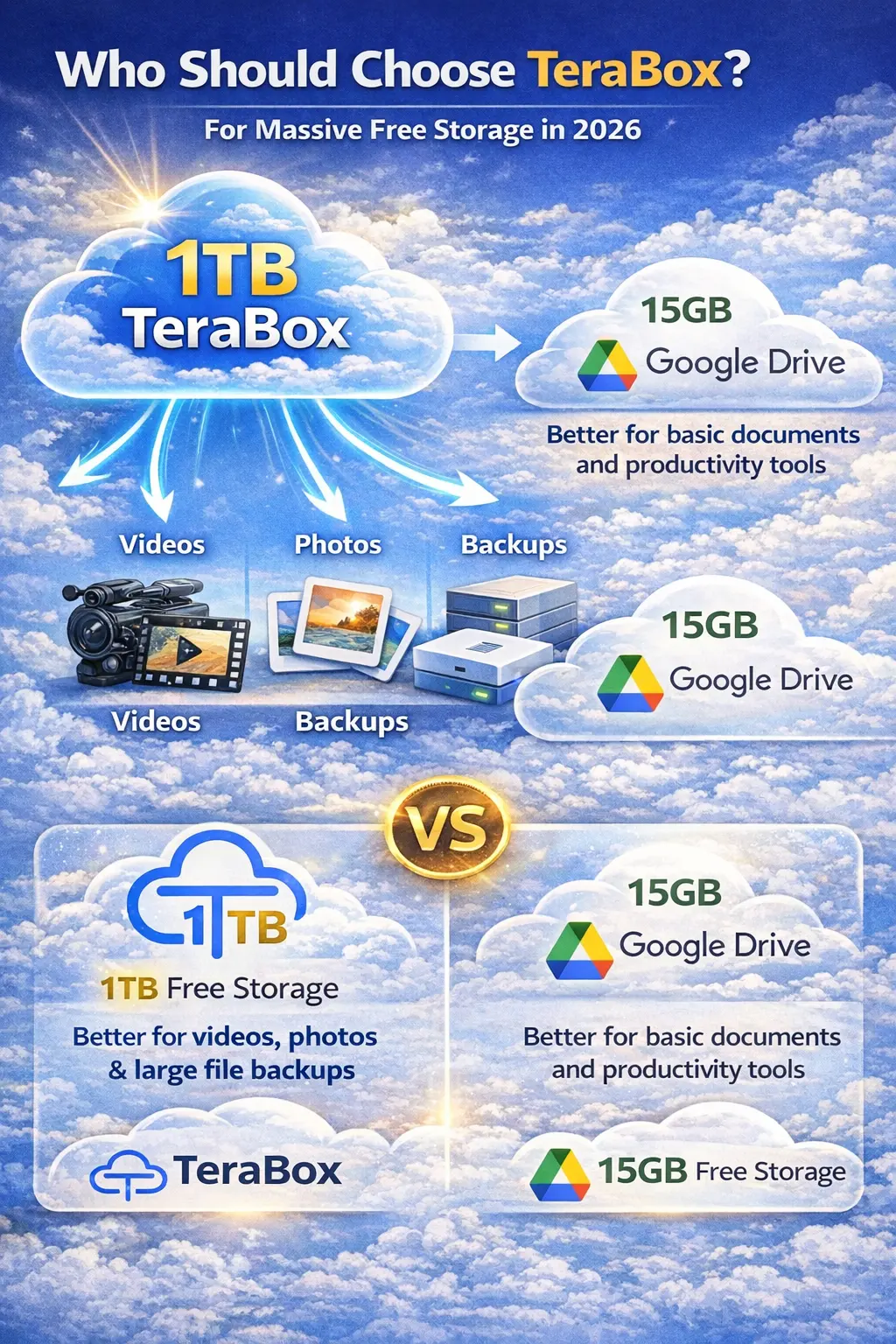
TeraBox works best for students storing large media files, video creators archiving projects, and users needing a large file storage solution without immediate cost. It suits personal archives more than structured teamwork.
If your priority is massive space under free cloud storage 2026, TeraBox offers clear appeal. It acts as a simple personal data storage solution for backups.
Who Should Choose Google Drive?
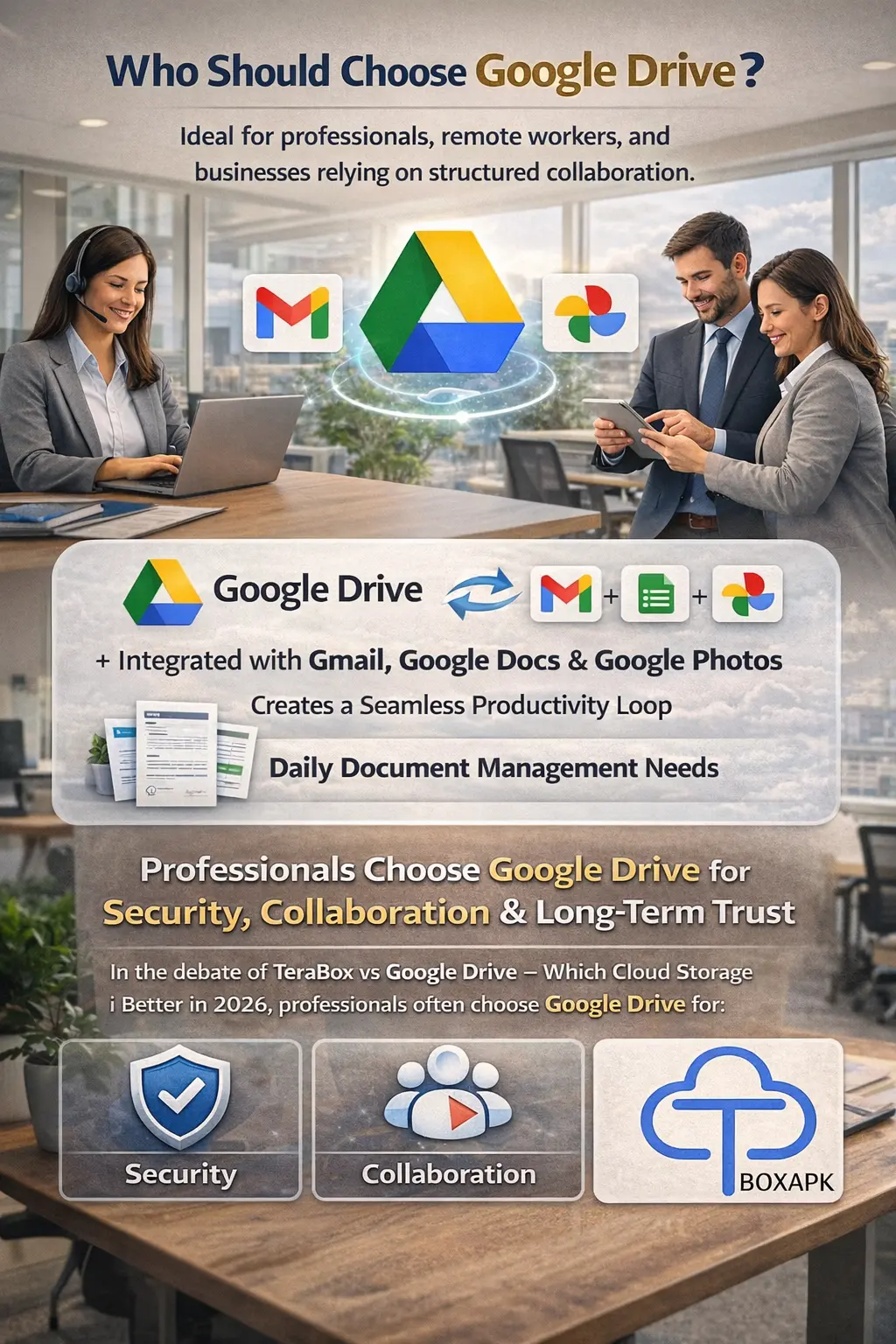
Google Drive fits professionals, remote workers, and businesses that rely on structured collaboration. Its integration with Gmail, Google Docs, and Google Photos creates a seamless productivity loop.
For companies managing contracts, spreadsheets, and presentations daily, Google Drive offers superior reliability. In the debate of TeraBox vs Google Drive – Which Cloud Storage Is Better in 2026, professionals often choose Google Drive for security, collaboration, and long-term trust.
Final Verdict: TeraBox vs Google Drive – Which Cloud Storage Is Better in 2026?
The answer depends on your needs. If you want massive storage at no cost, TeraBox delivers. If you want security, productivity, and long-term stability, Google Drive leads. For most U.S. users balancing safety and collaboration, Google Drive remains the stronger choice in 2026.