9 Best TeraBox Smart AI Toolkit with Premium Features for Android & PC/Web

TeraBox has evolved from a basic cloud storage service into a productivity-focused platform by introducing AI-powered features. The TeraBox Smart AI Toolkit is designed to help users manage files, text, and documents more efficiently on both Android and PC/Web. These AI features are integrated within the TeraBox ecosystem and are mainly accessible through premium plans. This article explains each AI tool, platform availability, real-world use cases, and pricing considerations in a clear and accurate manner.
TeraBox Platform Overview:
TeraBox is a cloud storage platform that allows users to store, access, and manage files across devices. In addition to storage, TeraBox offers AI-assisted features that support writing, scanning, transcription, and language processing. These tools are not standalone applications; they function within TeraBox and are intended for everyday productivity rather than advanced professional automation. Feature availability may vary by region, device, or subscription plan.
Key AI Tools Available on TeraBox
Below are the main AI-powered features included in the TeraBox Smart AI Toolkit, explained with realistic expectations and practical usage.
1. AI Transcribe (Android – 3-Day Free Trial)
AI Transcribe converts voice recordings into readable text. It is useful for meetings, voice notes, and short audio files stored on mobile devices. Accuracy depends on audio clarity and language support. A limited free trial is typically available on Android before premium access is required.
2. AI Essay Writer
The AI Essay Writer helps users generate structured text drafts based on prompts. It is useful for brainstorming ideas, outlines, and early drafts. This tool supports writing tasks but does not replace original research or manual editing.
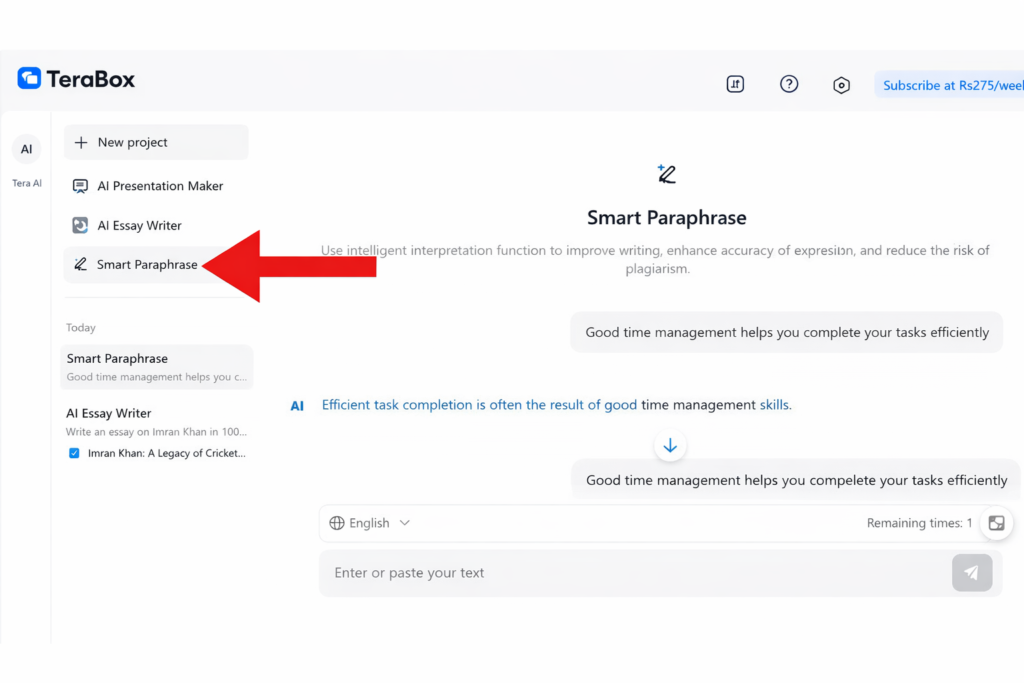
3. AI Presentation Maker
AI Presentation Maker assists in organizing written content into presentation-style formats. It helps create slide structures and summaries, making it useful for quick presentations. Users should review and customize outputs for design and accuracy.
4. AI Assistant
The AI Assistant provides general assistance within the TeraBox platform. It supports simple queries, content suggestions, and workflow guidance. This feature is designed to improve efficiency rather than offer advanced decision-making.

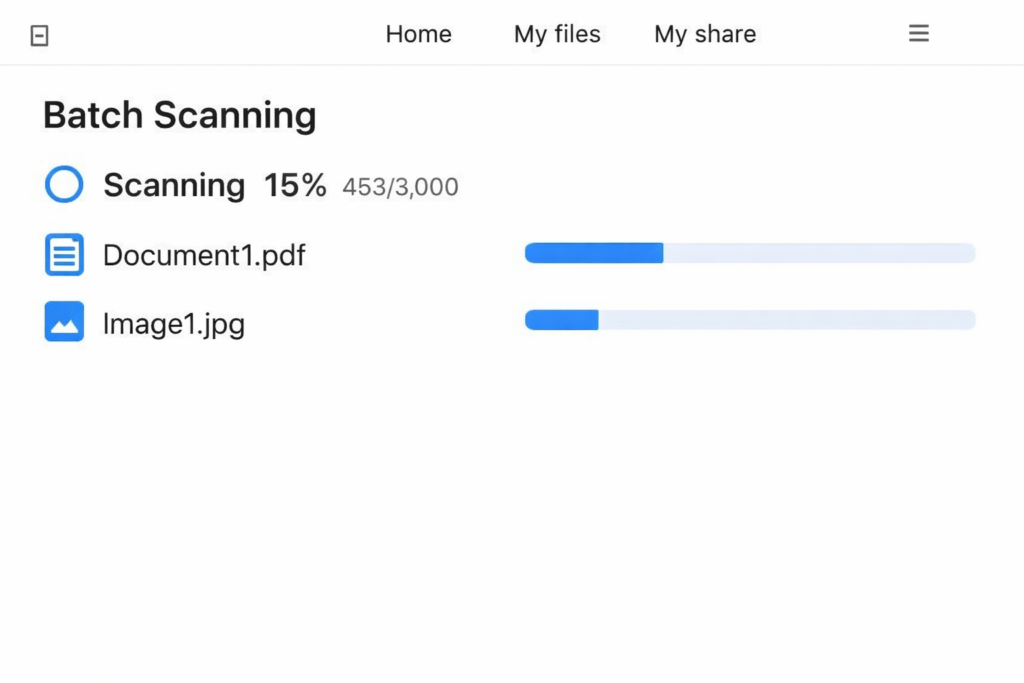
5. Batch Scanning
Batch Scanning allows users to scan multiple documents at once and save them digitally. This feature is helpful for receipts, notes, and paperwork. When combined with OCR, scanned documents become searchable and easier to manage.
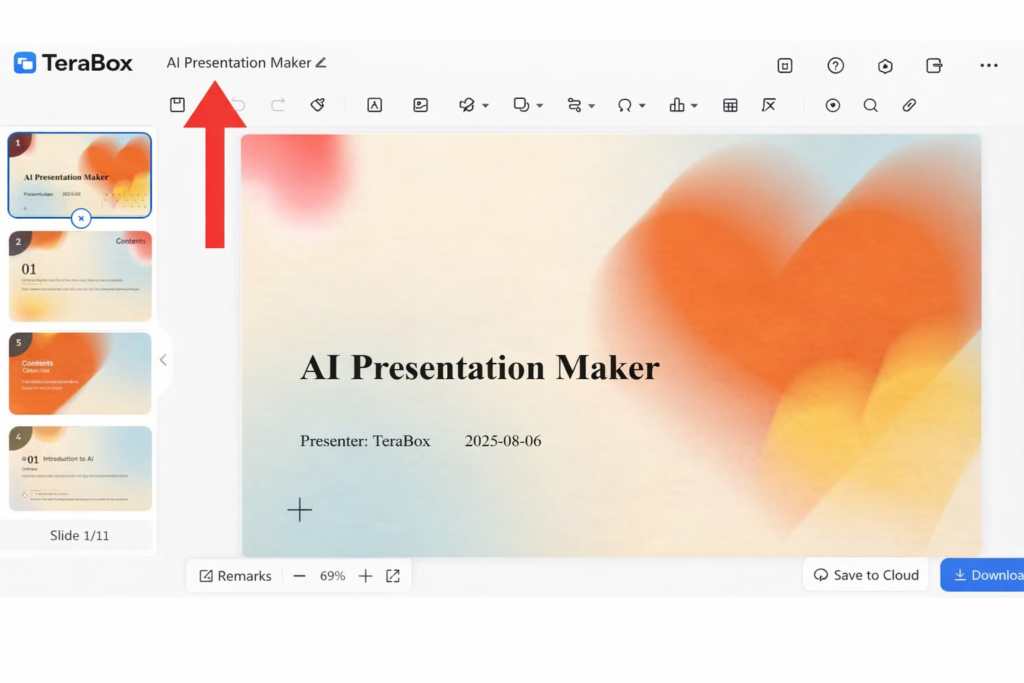
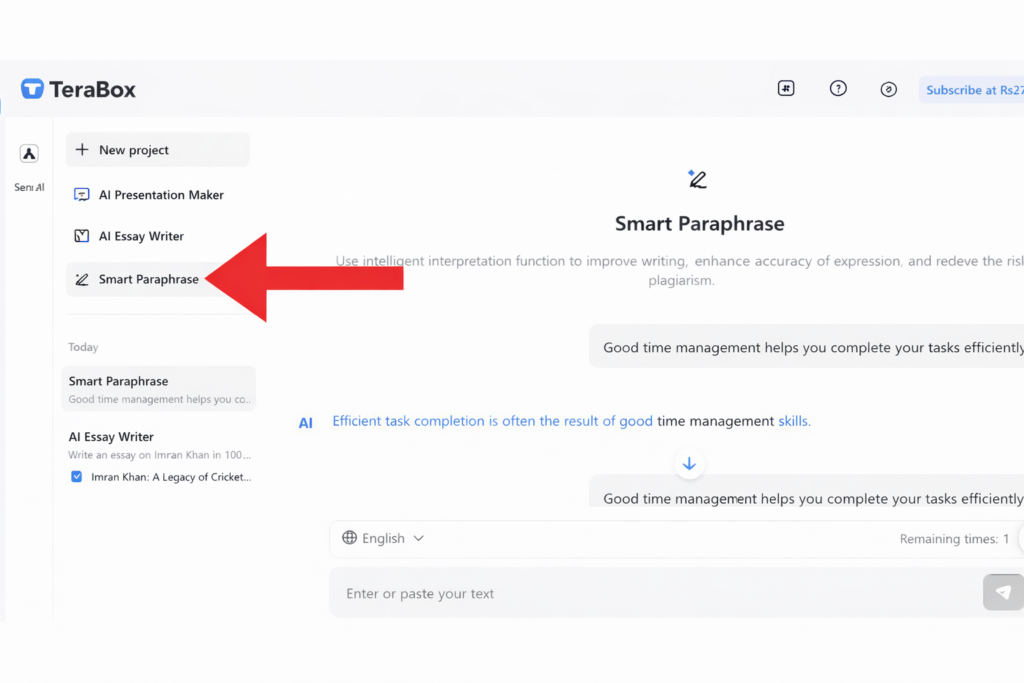
6. Smart Paraphraser
Smart Paraphraser rewrites text to improve clarity or adjust wording while preserving meaning. It is useful for refining drafts, reducing repetition, and improving readability. Results should be reviewed to ensure correctness.
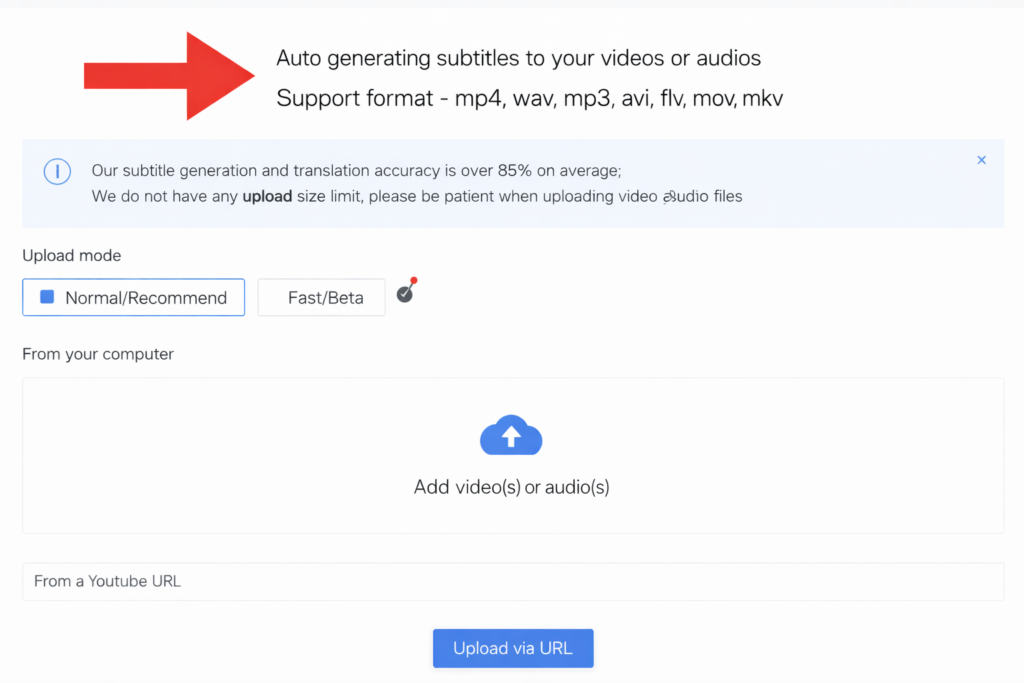
7. AI Subtitles Generator
AI Subtitles generate captions for video files stored in TeraBox. This improves accessibility and viewer understanding. Subtitle accuracy may vary depending on speech quality, accents, and language support.
8. Text Extraction / OCR (Optical Character Recognition)
OCR extracts editable text from images, scanned documents, or photos. This feature allows users to copy, search, and reuse text that was previously image-based, making document organization more efficient.
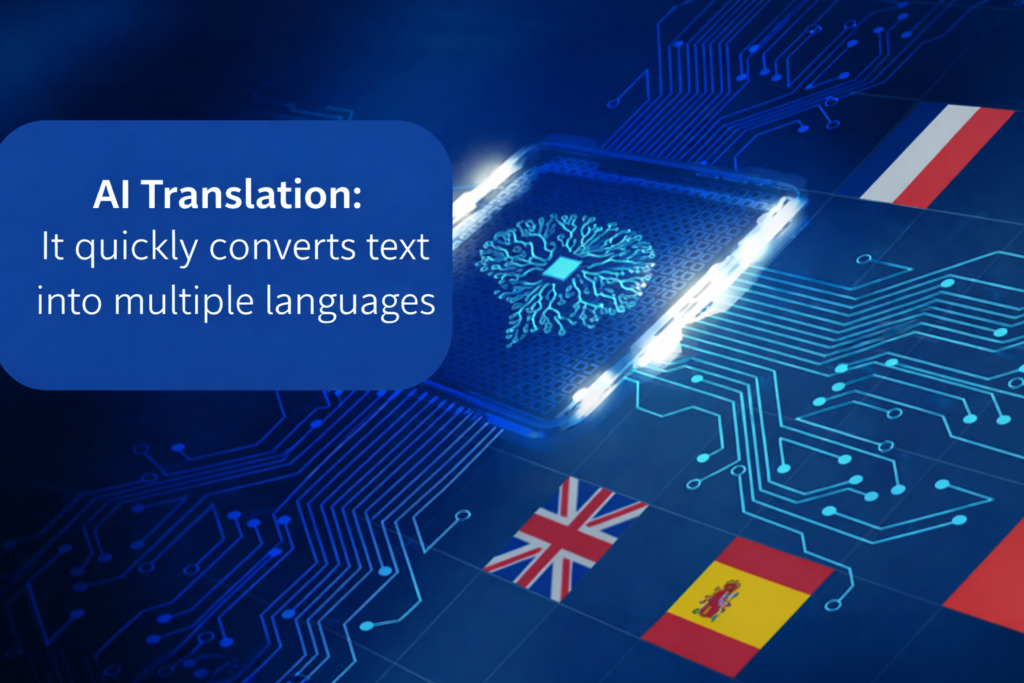
9. AI Translation
AI Translation converts text from one language to another within the TeraBox platform. It is suitable for general understanding and basic communication. Human review is recommended for important or sensitive content.
Platform Comparison: Android vs PC/Web
Feature | Android (Mobile App) | PC / Web (Desktop & Browser) |
|---|---|---|
AI Tool Availability | AI Transcribe, OCR, document scanning, and basic AI assistance are available | AI Essay Writer, Presentation Maker, and Smart Paraphraser are more prominently available |
Trial & Free Access | Limited free trials are available for selected AI tools such as AI Transcribe | Free access is limited; most AI tools require a Premium plan |
Advanced AI Features | Advanced tools unlock with Premium subscription | Almost all advanced AI features are fully accessible with Premium |
Best Use Case | Voice-to-text, scanning documents, and on-the-go productivity | Writing, editing, presentations, and content optimization |
Workflow & Performance | Fast, mobile-friendly interface for quick tasks | Stable workspace with better formatting and multi-file handling |
Overall Productivity | Ideal for instant tasks and quick AI support | Best for deep work, long-form content, and professional use |
Which AI Tools Are Available on TeraBox Mobile and PC/Web?
Mobile (Android) provides a complete AI experience, including features such as scanning and transcription, making it ideal for capturing information on the go. In contrast, the PC/Web version is better suited for editing, organizing, and managing AI-generated content in a more structured environment. For maximum productivity, many users combine both platforms by using Android for quick capture and PC/Web for refinement and finalization of their work.
Practical Applications & Benefits
Content Creators:
The platform offers comprehensive capabilities, including subtitle generation for videos, AI-powered script drafting through an integrated AI Writer, and OCR functionality for extracting text from reference materials. In addition, it combines cloud storage with AI tools in a single environment, allowing users to create, process, and manage content efficiently from one centralized location.
Students and Educators:
The system supports lecture transcription, enabling accurate conversion of spoken content into text, along with essay drafting and paraphrasing to streamline academic and professional writing tasks. It also provides language translation for multilingual use cases and document scanning with archiving capabilities, ensuring that important materials are digitized, organized, and securely stored for long-term access.
Professionals:
The platform enables efficient meeting note creation through AI-powered transcription, supports presentation creation for professional use, and provides OCR functionality for digitizing paperwork. In addition, an integrated AI Assistant offers ongoing productivity support, helping users manage tasks, generate content, and streamline daily workflows.
Pricing & Trial Strategy
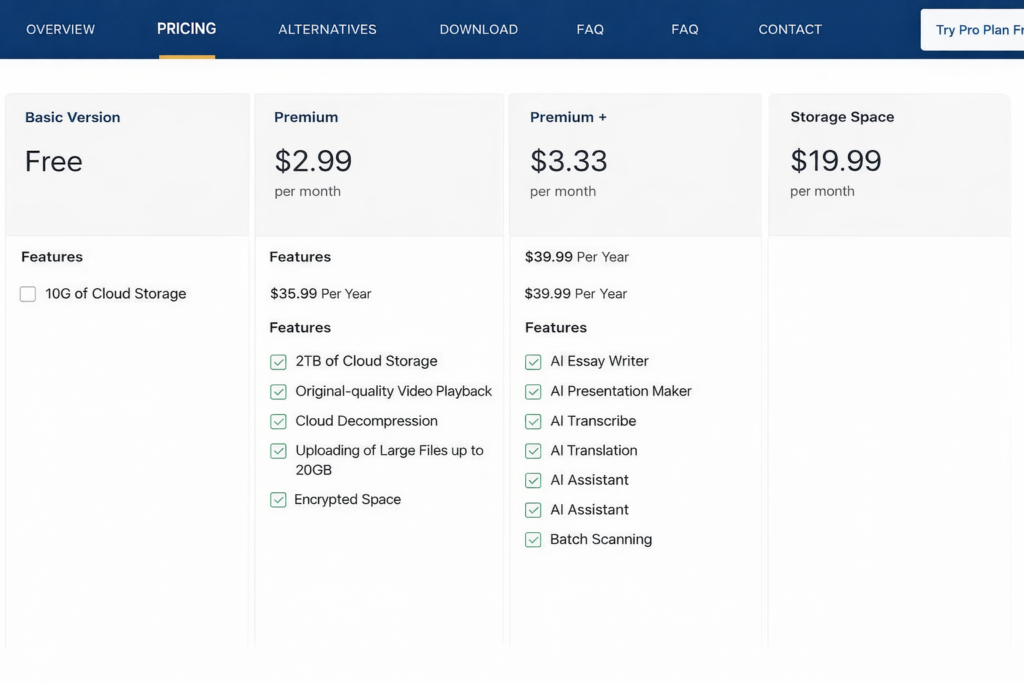
Free users have access to a limited set of AI features, while Android users can try the AI Transcribe service for a three-day trial period. Premium plans provide full access to all AI capabilities along with enhanced cloud storage benefits, delivering a more comprehensive and unrestricted user experience.
Conclusion:
TeraBox Smart AI Toolkit is no longer just an add-on. It’s a complete productivity suite that combines cloud storage with AI automation.
Whether you’re a student, content creator, or professional, these tools reduce manual work and improve efficiency.