
TeraBox Ads Removal Methods Best Way to Enjoy Ad-Free Cloud

TeraBox is one of the most popular cloud storage platforms, offering massive free storage for photos, videos, documents, and backups. However, like most free cloud services, TeraBox displays advertisements to support its infrastructure and operations. While ads help keep the free tier available, many users find them disruptive, especially during file uploads, downloads, or browsing their cloud library.
Research shows that digital ads can reduce user experience by up to 40% when displayed frequently inside applications. In cloud storage platforms, ads may slow navigation, interrupt file management, and even cause accidental clicks that redirect users away from their tasks.
For users who rely on TeraBox for daily work, school files, media storage, or business backups, an ad-free experience becomes essential. Fortunately, TeraBox offers both official and alternative methods to remove or minimize ads.
This guide explains the best and safest ways to remove ads from TeraBox on Android, including Premium upgrades and the use of ad-blocking tools, while ensuring security, legality, and optimal performance.
Three Simple Methods to Remove Ads from TeraBox on Android
TeraBox ads can be removed or significantly reduced using three primary methods. Each method differs in cost, convenience, and long-term reliability.
Method 1 – Upgrade to TeraBox Premium
The most effective and officially supported way to remove ads from TeraBox is to subscribe to TeraBox Premium. This plan unlocks a completely ad-free interface and provides multiple performance and storage benefits.
TeraBox Premium is designed for users who want professional-grade cloud storage without interruptions. When you upgrade, ads are removed across the entire app, including file browsing, uploads, downloads, and video playback.
How to Upgrade to TeraBox Premium
- Open the TeraBox app on Android
- Tap on Profile or Upgrade
- Select a monthly or yearly Premium plan
- Complete payment via Google Play
Method 2: Use Ad Blocker Apps

Ad-blocking apps filter ads at DNS or VPN level, preventing them from loading inside TeraBox.
AdGuard App for Android
AdGuard is a trusted solution for blocking ads, offering DNS‑level and app‑level filtering. Users can apply custom filters to target specific TeraBox ad servers, improving download stability and reducing app lag. With a simple, beginner-friendly interface and no root required, setup takes less than two minutes.
Custom Filters
Advanced users can block specific TeraBox ad servers using custom rules.
Speed Improvement
Ads consume bandwidth. Blocking them improves download stability and reduces app lag.
User-Friendly Interface
No root access required; setup takes less than 2 minutes.
Blokada
Blokada is a free, open-source ad blocker for Android that requires no root. It blocks ads and trackers in apps like TeraBox, encrypts DNS queries for security, and is easy to install from the Play Store or blokada.org. Other Android ad blockers like AdGuard are also available.

AdBlock
Launched in 2009 by Michael Gundlach, AdBlock offers a distraction-free browsing experience and is used by millions worldwide. Available in over 30 languages, its open-source software gives users control over content and protects privacy, making it one of the most popular browser tools.

Ghostery
Ghostery Tracker & AdBlocker is a browser and device extension that blocks ads, pop-ups, and trackers. It protects personal data by replacing identifiers with random values, ensuring user privacy and providing a clean, ad-free web experience.

Method 3: Use Private DNS:
Private DNS blocks ads system-wide without installing third-party apps.
How to Change DNS in Android
- Open the Settings app on your Android device.
- Navigate to Network & Internet or Connections.
- Scroll down and select Private DNS.
- Choose Private DNS provider hostname.
- Enter dns.adguard.com and tap Save.
TeraBox Ads Removal Methods Using VPN with Ad-Blocking Features

VPNs with built-in ad blocking filter traffic before ads reach your device.
How to Set Up a VPN for Ad Blocking
- Install a VPN with ad-block feature
- Enable Ad / Tracker Blocker in settings
- Connect to any server
- Launch TeraBox
Best VPNs with Ad-Blocking Option
Some of the best VPN options are listed below.
NordVPN
Threat Protection blocks ads and malware while high-speed servers ensure smooth performance. Its strong Android compatibility makes it a reliable and efficient choice for mobile users.
Surfshark
CleanWeb effectively blocks ads and trackers, ensuring a smoother browsing experience. With support for unlimited devices and budget-friendly plans, it offers strong value for users seeking affordable and comprehensive protection.

ProtonVPN
Swiss privacy standards ensure strong data protection, while DNS-based ad filtering blocks ads at the network level. With a free plan available, it provides a secure and accessible option for users seeking basic ad-blocking and privacy features.

TeraBox Ads Removal Methods on iOS – Two Simple Methods
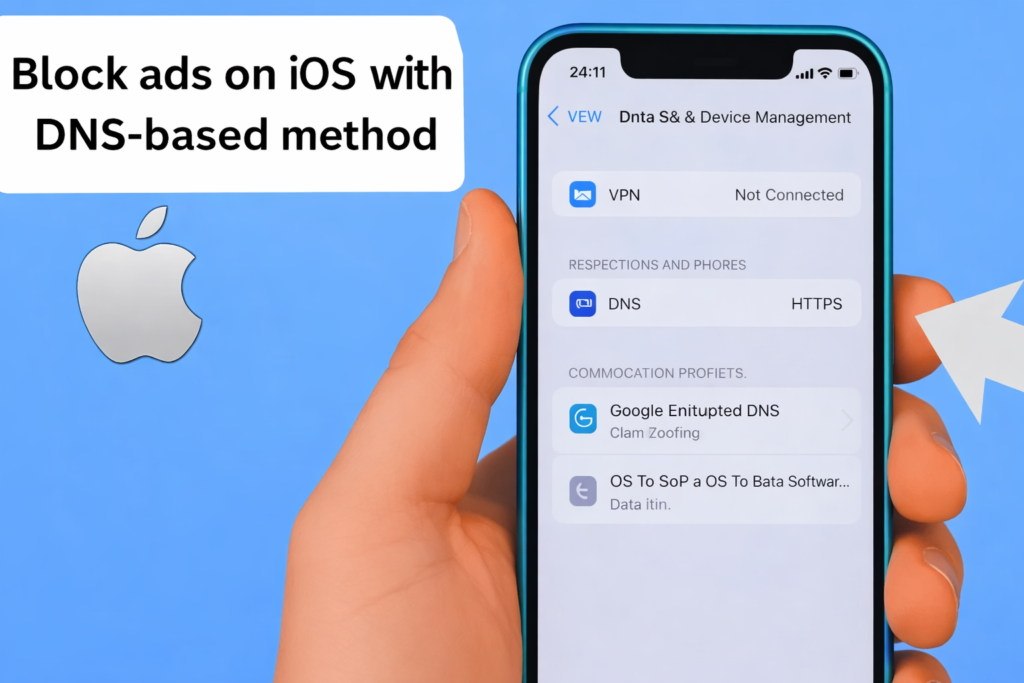
iOS restricts system-level modifications, but ads can still be reduced safely.
Method 1: Use DNS-Based AdBlockers
On iOS devices, you can block ads either by configuring the DNS settings manually or by installing the AdGuard DNS profile.
Option 1: How to Manually Change DNS in iPhone
- Go to the settings and click on Wi-Fi.
- Click on the “i” icon next to your network.
- Tap on configure DNS → Manual.
- Now add an ad-blocking DNS provider and save it.
Option 2: AdGuard DNS Profile Setup
- Use a DNS-based ad blocker such as AdGuard DNS to block ads system-wide on iOS devices.
- Download the AdGuard DNS configuration profile and proceed to installation.
- Open Settings and tap Profile Downloaded.
- Install the DNS profile to apply the configuration to your device.
- Navigate to Settings > General > VPN, DNS & Device Management.
- Open the DNS section and select one of the installed AdGuard DNS servers.
- Visit the AdGuard DNS test page to verify the configuration.
- If the setup is successful, a confirmation message will appear on the test page.
- If you encounter issues, visit the official AdGuard website for detailed DNS configuration guidance.
Method 2: Use AdBlocker Apps
On iOS, ad blockers have limited effectiveness within apps like TeraBox and are most effective when used with Safari on iPhone. However, there are still some methods available to reduce or block ads from TeraBox on iOS devices.
1Blocker
1Blocker integrates deeply with Safari and system-level network traffic to block ads, trackers, and unwanted scripts. It enhances privacy and improves browsing performance by filtering content before it loads, providing a cleaner and more secure browsing experience across iOS devices.


Total AdBlock
Total AdBlock reduces in-app ads and intrusive pop-ups across supported applications and browsers. It helps create a cleaner user experience by minimizing interruptions, improving page load times, and enhancing overall usability while browsing or using mobile apps.
AdLock
AdLock provides advanced DNS-level protection, preventing unwanted ads and malicious sites from reaching your devices, while also blocking trackers that collect personal data, ensuring a safer and more private browsing experience.

TeraBox Ads Removal Methods on PC (Windows) – Three Simple Methods
Desktop users usually access TeraBox via browser, making ad blocking easier.
Method 1: Use Browser Extensions
On PC and Mac, ads in TeraBox web apps can be blocked effectively using browser extensions.
uBlock Origin
This solution is lightweight and easy on system resources, yet it offers advanced filter lists to block unwanted content effectively. It works seamlessly with popular browsers such as Chrome, Edge, and Firefox, providing a smooth and efficient ad-blocking experience.


AdBlock Plus
AdBlock Plus is a widely used ad-blocking extension that effectively prevents intrusive banners and pop-up ads from appearing while you browse. By filtering unwanted content at the browser level, it ensures a cleaner, faster, and less distracting web experience, protecting both your screen space and your focus.
AdGuard for Windows & Browsers
AdGuard for Windows delivers comprehensive, system-wide protection that extends beyond web browsers, blocking ads, trackers, and malicious websites across all applications and network traffic on your PC.
Method 2: Use System-Wide Ad Blockers
TeraBox Ads Removal Methods utilize system-wide ad blockers that eliminate ads across Windows and Mac. These tools block unwanted content not only in browsers but throughout the entire operating system and installed applications. Features of system-wide ad blockers include network-level filtering, privacy protection, customizable filters, and bandwidth optimization. By operating beyond a single browser extension, they give users complete control over ads. Some of the most popular system-wide ad blockers are listed below.
Pi-hole
Pi-hole is a network-level ad blocker that runs on a Raspberry Pi, intercepting DNS requests to block advertisements, trackers, and unwanted content across all devices connected to the network, ensuring a cleaner and faster browsing experience.

AdFender
AdFender blocks and filters advertisements at the system level without relying on browser extensions, providing ad-free browsing across multiple browsers and supported applications.
Little Snitch
Little Snitch gives users manual control over ad-serving and tracking connections by monitoring outgoing network traffic and allowing precise rules to block or allow connections on a per-app or per-domain basis.

Method 3: Use Hosts File Modification
Advanced users can block TeraBox ad domains via Windows hosts file.This method requires technical knowledge and careful editing.
Conclusion
Removing ads from TeraBox is possible across Android, iOS, and Windows using multiple safe approaches.
- Premium upgrade ensures 100% ad-free experience
- Ad blockers and DNS offer free alternatives
- VPNs with ad blocking add privacy and security
Choose the method that best fits your device, technical skill, and usage level.